Break
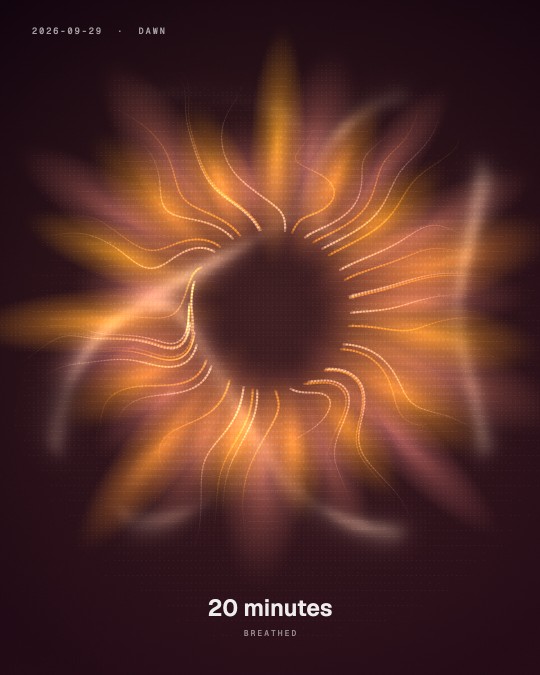
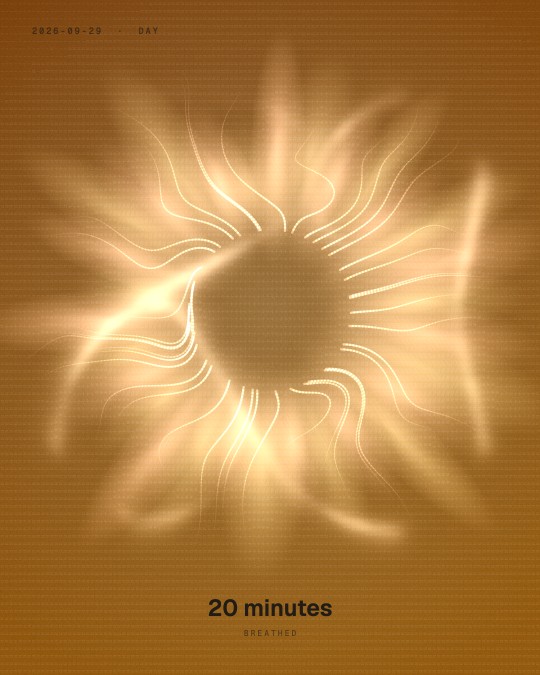
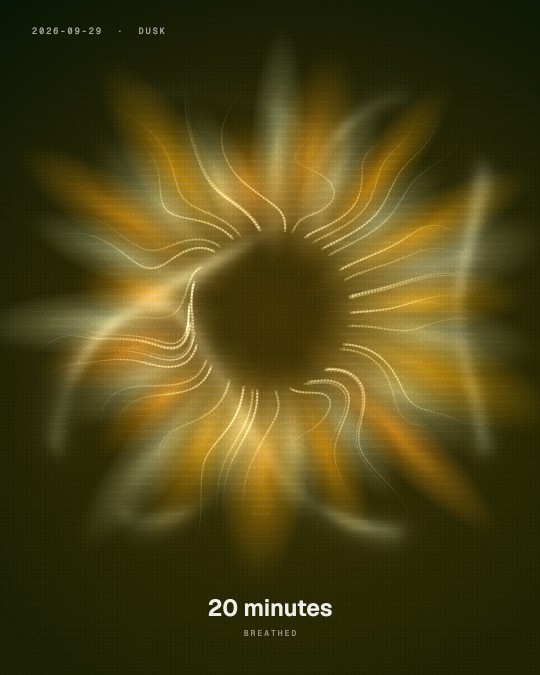
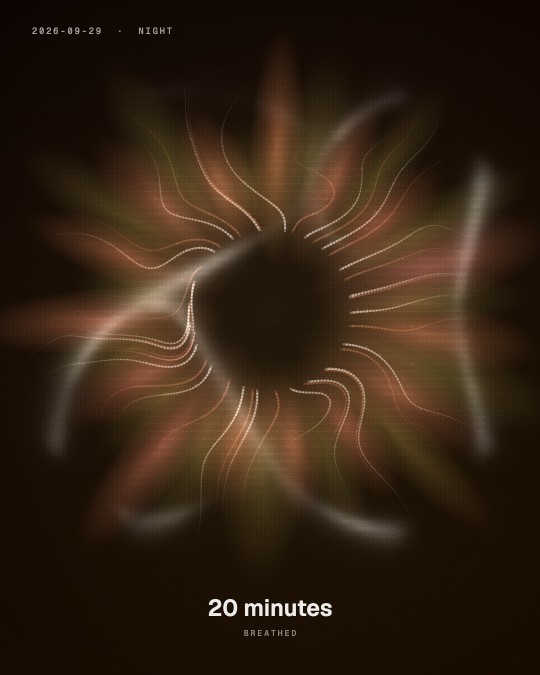
breathe.
Generative ambient music and one shape to breathe with. Finish a session and keep what it grew: a print of the time you took, coloured by the hour you took it.
Dawn · Day · Dusk · Night
Posts, stories and reels that move, made in your browser and moved by sound. Start from a Capsule, break it, and keep what happens.
No account. No install. Chrome or Edge for sound from a tab; Firefox and Safari run everything else.
Every frame above is a real export, straight out of one of the studio's Capsules. Drag the row to look along it.

What you make
Every picture, word, colour and motion is a slot you change. Then export at the size the platform wants, from the same piece.
The feed's own shape. Showcase deals your pictures, on the beat if you like.
Words fitted to the safe zone, clear of the reply bar.
A clip with words over it, in time.
The same piece, reframed. Every template draws at any size, so nothing is stretched.
A post you swipe: every slide side by side, one style across them all.
Stills, video, GIF and SVG, in seven shapes from 1:1 to 16:9.
720p and 1080p free · 4K with Pro
Capsules
A Capsule is a ready-made starting point that opens with a working design already in it. Pick one, break it, keep what happens.
 Showcase
 Big Type
 Carousel
 Story
Story
 Reel
Reel
 Grid
Grid
 Bento
Bento
 Mockups
 Depth
Depth
 Mosaic
 Texts
Texts
 Flicker Book
 Fish-eye
 Disc
Disc
 Book
Book
 Kaomoji
 Ticker
 Breathe
 Plasma
 Camera
 ASCII
ASCII
Or skip the door: the whole studio is open too, 105 templates and nothing locked.
Open the studioThe space
Design is the main floor. When you need a break, or a dance, the same canvas becomes a different room.
Break
Generative ambient music and one shape to breathe with. Finish a session and keep what it grew: a print of the time you took, coloured by the hour you took it.
Dawn · Day · Dusk · Night
Play
The dancer takes your track. Land the moves on the beat with the keys, alone or against a friend.
Who it is for
This is for you if
Probably not, if
There are excellent tools for the second list. They cost more, every month, forever.
Pricing
No subscription, ever. The free studio is the whole studio; Pro buys the big exports and every future feature, permanently.
The first fifty people to own DOTCLOUD Pro get their name on the wall, permanently. Not a discount that expires at midnight; a seat that either has your name on it or someone else's.
Pro opens soon. A seat locks the founding price for you on day one.
Questions
Both are excellent, both are subscriptions, and both are aimed at getting you a good-looking result quickly. This is aimed at the opposite instinct: 300 controls, all of them live, so you can push a template somewhere it was never meant to go. It also goes far deeper on sound, with six named instrument bands, a beat tracker that cuts on the beat, and generative ambient music. If you want a polished result in one click, buy theirs. If you want to make something nobody else could have made, this is cheaper and it is yours forever.
No. The studio opens instantly and works fully without one. An account only exists to attach your Pro licence and, later, to sync presets between machines.
Everything. Every template, every effect, audio reactivity, presets, exports at 720p and 1080p in video, GIF, PNG and SVG. Pro adds 4K and 8K, 60fps, and everything that ships in the future.
The shipping log below is generated from real releases; the studio has shipped every week since it existed. Pay-once only works if the tool keeps earning it, and the log is the receipt.
You send a link and they open it. No account, no install, nothing to download. Up to five people in a room, each with voice and view, and the session lives only while the tab is open. They see your canvas as you change it and hear whatever you are feeding it, whether that is your microphone, a browser tab or an MP3 you loaded.
They never leave your browser. The renderer runs locally; microphone and camera feed the canvas and nothing else. There is no upload.
No. The studio runs no AI model, so there is nothing to train on your work. Your projects are saved in your own browser, and what you export is yours.
Chrome, or anything built on it: Edge, Arc, Brave, Opera. That is where the studio is developed and tested, and where every feature is available.
Firefox and Safari run it perfectly well. The canvas, the templates, all 300 controls, exports, presets and shared sessions all work. Three things are narrower, and all three are browser capabilities rather than choices we made:
If sound is the reason you are here, use a Chrome-based browser. For everything else, pick whichever you already have open.
The receipt